Introduction
Handling asynchronous operations in JavaScript can often feel complicated and messy. Traditional methods like callbacks frequently lead to callback hell, making code difficult to read and maintain. Enter async/await, a modern JavaScript syntax that simplifies asynchronous programming and helps write code that looks synchronous yet handles async operations efficiently.
What is async/await?
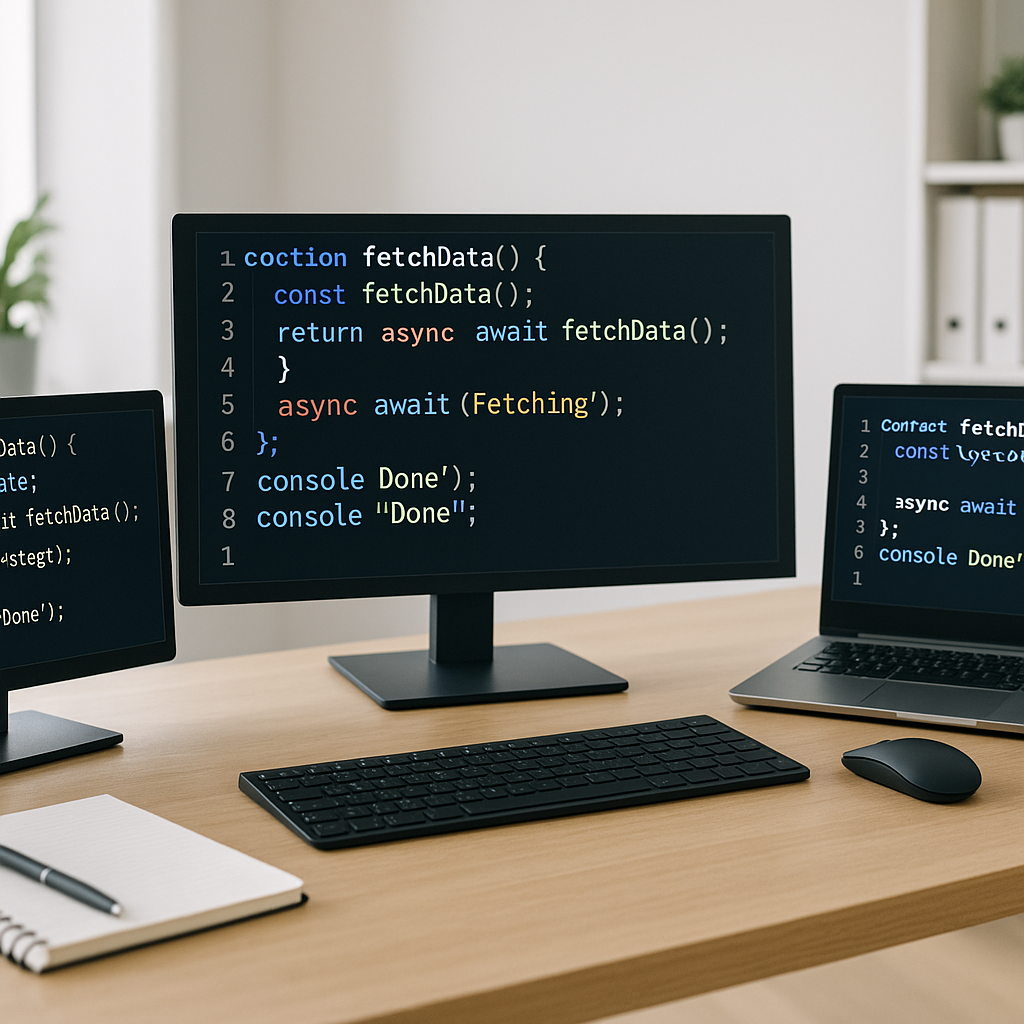
Async/await is syntactic sugar built on top of Promises. It allows you to write asynchronous code using a structure similar to synchronous code, reducing complexity and improving readability.
Key Concepts
- async: Declares a function as asynchronous, which means it will return a Promise.
- await: Pauses the execution of an async function until the awaited Promise resolves.
Benefits of Using async/await
Switching to async/await offers several advantages over traditional callbacks and Promise chains:
- Cleaner code: Your logic reads top-to-bottom without deeply nested structures.
- Improved error handling: Try/catch blocks work naturally with async/await for synchronous-like error management.
- Debugging ease: Stack traces are often clearer, making it easier to identify issues.
- Better maintainability: With less nesting and clearer flow, collaborators can understand your code faster.
How to Use async/await: Practical Example
Imagine you want to fetch user data from an API and then process it. Using callbacks or plain Promises, the code might quickly become cluttered. With async/await, the logic is straightforward:
async function getUserData(userId) {
  try {
    const response = await fetch(`https://api.example.com/users/${userId}`);
    const data = await response.json();
    processUserData(data);
  } catch (error) {
    console.error("Error fetching user data:", error);
  }
}
Common Patterns and Tips
Parallel vs Sequential Execution
By default, awaiting Promises sequentially can slow down your code unnecessarily. For independent async tasks, run them in parallel using Promise.all:
async function fetchMultiple() {
  const [res1, res2] = await Promise.all([
    fetch(url1),
    fetch(url2)
  ]);
  const data1 = await res1.json();
  const data2 = await res2.json();
}
Error Handling Best Practices
- Use try/catch inside async functions to handle errors cleanly.
- Avoid swallowing errors silently; always log or rethrow unexpected issues.
- Consider catching specific errors to provide helpful user feedback.
Common Pitfalls to Avoid
- Not marking a function as
asyncwhile usingawaitinside it causes syntax errors. - Forgetting to return Promise results properly in async functions.
- Awaiting non-Promise values does nothing; ensure awaited expressions are Promises.
Conclusion
Async/await is an invaluable tool for writing cleaner, more readable asynchronous JavaScript code. It eliminates many challenges posed by callbacks and complex Promise chains while improving error handling and debugging. By mastering async/await, developers can write maintainable code that’s easy to understand and enhances productivity.
Start incorporating async/await into your projects today to streamline your async operations and focus more on what your code needs to do instead of how asynchronous control flows.