Introduction to HTML Forms
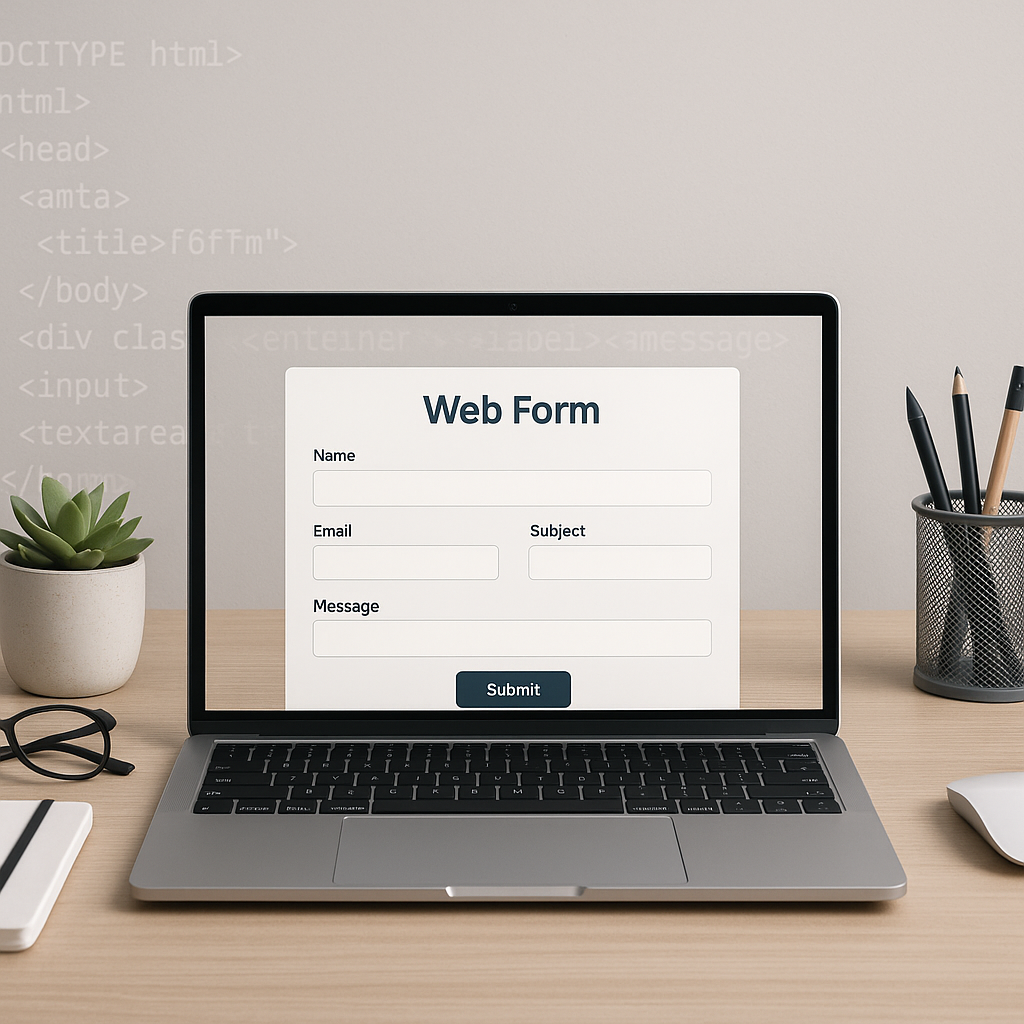
Forms are fundamental components of most websites. They enable users to submit data, whether signing up, searching, or providing feedback. Understanding how forms send data and the variety of input types available is essential for web developers aiming to create effective user interfaces.
How Forms Send Data
When a user submits a form, the data entered is sent to a server for processing. This data transfer happens through the action and method attributes of the <form> element.
Form Attributes
- action: Specifies the URL of the server that will handle the submitted data.
- method: Determines how data is sent. The two most common methods are:
- GET – Appends form data to the URL as query parameters, suitable for non-sensitive data and for bookmarking or sharing URLs.
- POST – Sends data within the request body, better for sensitive or large amounts of data.
Encoding Types
The enctype attribute defines how form data is encoded before sending:
application/x-www-form-urlencoded(default) – Encodes all characters, spaces as+, and special characters as ASCII HEX.multipart/form-data– Used when submitting files through forms.text/plain– Sends data without encoding, rarely used.
Common HTML Input Types
Input elements collect user data. Choosing the right input type enhances usability and ensures proper data formatting.
Text Inputs
text– Basic single-line input for general text.password– Masks input for sensitive data like passwords.email– Validates that the input is a properly formatted email address.tel– Accepts phone numbers, optimized for numeric keyboards on mobile devices.url– Ensures input is a valid URL.
Choice Inputs
checkbox– Allows selection of multiple options.radio– Enables selection of a single option within a group.select&<option>– Dropdown menus for choosing from several options.
Specialized Inputs
number– Accepts numeric input with optional min, max, and step attributes.range– Slider input for selecting values within a range.date,time,datetime-local– Inputs for selecting dates and times.color– Allows users to pick a color from a palette.file– Lets users upload files.
Textarea
For longer text input, the <textarea> element provides a multi-line input box.
Enhancing Form Usability
Properly designed forms improve user experience and data quality. Consider the following best practices:
- Label Inputs Clearly: Use
<label>elements linked to inputs for accessibility. - Group Related Inputs: Use
<fieldset>and<legend>to organize sections. - Use Placeholder Text Sparingly: Assist users but don’t rely on placeholders as the sole label.
- Validate Inputs: Utilize HTML5 validation attributes like
required,pattern, and input type validations to catch errors early. - Provide Feedback: Show success or error messages to guide users.
Conclusion
HTML forms are powerful tools for gathering user input, essential to nearly every website. Understanding how form data is sent and knowing the variety of input types enables developers to craft efficient, accessible, and user-friendly forms. Applying best practices in form design will enhance both data accuracy and user satisfaction.