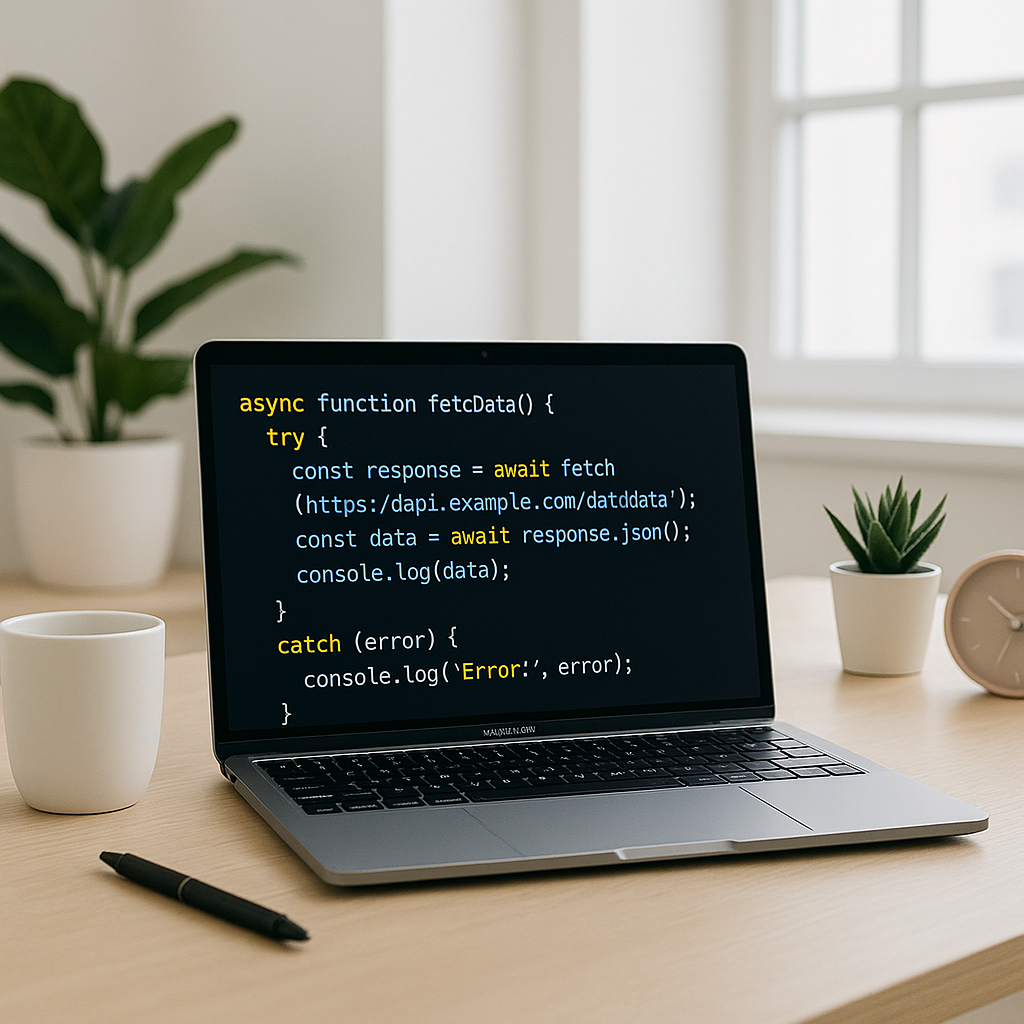
Introduction to Async/Await
Asynchronous programming is a cornerstone of modern JavaScript development. Historically, managing async operations involved callbacks or promises, which could lead to complex, hard-to-read code known as “callback hell.” The introduction of async and await keywords in ES2017 revolutionized the way developers write asynchronous code, providing a cleaner and more intuitive syntax.
Why Use Async/Await?
Async/await offers several advantages over traditional asynchronous handling methods:
- Improved Readability: Code written with async/await resembles synchronous code, making it easier to follow.
- Simplified Error Handling: You can use
try-catchblocks to handle errors, consolidating error management. - Better Debugging: The stack traces produced are easier to understand compared to nested promises.
- Cleaner Syntax: Avoids chaining
.then()and.catch(), reducing indentation and complexity.
How Async/Await Works
The async keyword turns a function into a promise-based one, enabling the use of await inside it. The await keyword pauses execution until the awaited promise resolves or rejects.
Basic Example
async function fetchData() {
  try {
    const response = await fetch('api/data');
    const data = await response.json();
    return data;
  } catch (error) {
    console.error('Error fetching data:', error);
  }
}
Best Practices for Using Async/Await
- Always Use Try-Catch: Wrap awaited calls in try-catch blocks to handle potential errors gracefully.
- Avoid Blocking Code: Use
awaitonly when necessary; parallelize tasks when possible by awaiting all promises together. - Return Promises from Async Functions: Async functions always return a promise, making them composable and chainable.
- Be Mindful of Performance: Sequential awaits slow down execution; consider concurrency with
Promise.all()where appropriate.
Handling Multiple Async Operations
Sometimes you need to execute multiple asynchronous tasks concurrently. Async/await combined with Promise.all() is an effective pattern for this:
async function fetchAllData() {
  try {
    const [user, posts, comments] = await Promise.all([
      fetchUser(),
      fetchPosts(),
      fetchComments()
    ]);
    return { user, posts, comments };
  } catch (error) {
    console.error('Error fetching data sets:', error);
  }
}
Common Pitfalls and How to Avoid Them
- Not Using Await Properly: Calling async functions without
awaitreturns unresolved promises. - Sequential Await Without Necessity: Avoid awaiting each async call one after another if they don’t depend on each other.
- Ignoring Error Handling: Never leave asynchronous code without catching errors; otherwise, you risk unhandled promise rejections.
- Mixing Callback and Async/Await: Prefer one approach per function to keep code coherent.
Conclusion
Async/await is a powerful feature that enhances the expressiveness and maintainability of asynchronous JavaScript code. By writing async operations with async/await, you achieve cleaner, more readable code and better error management. Remember to use try-catch blocks, leverage concurrency with Promise.all() where suitable, and keep your async code organized for optimal performance and scalability.
Mastering async/await is essential for modern JavaScript developers looking to write efficient, maintainable, and professional codebases.