Introduction to JavaScript Objects
JavaScript objects are foundational components that enable dynamic and efficient data storage and management. Whether you’re building small scripts or large applications, understanding how objects work will greatly improve your ability to organize and manipulate data.
What Are JavaScript Objects?
At its core, a JavaScript object is a collection of properties, each consisting of a key-value pair. Unlike arrays that store ordered data, objects store data in an unordered form, allowing you to access values through meaningful keys.
Basic Structure
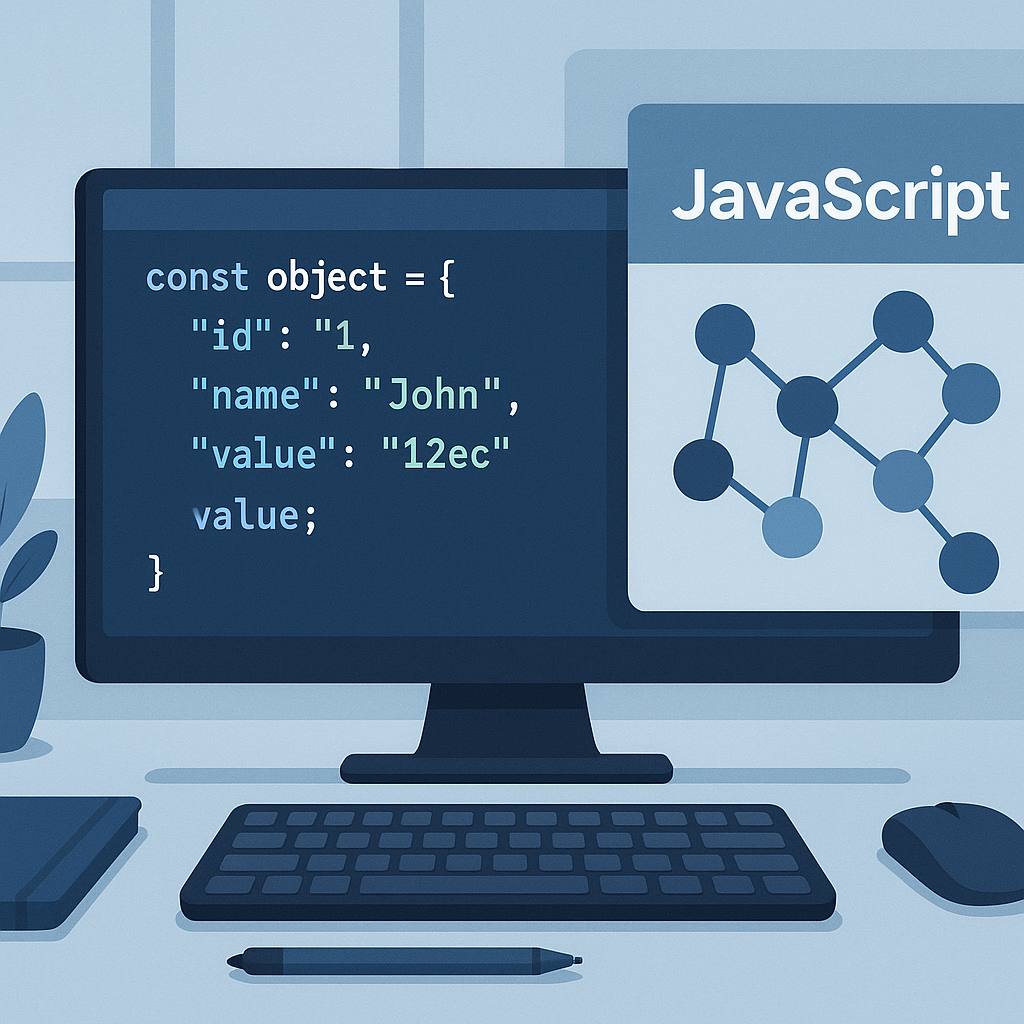
Objects are defined using curly braces {} with key-value pairs, like so:
const person = {
  name: "Alice",
  age: 25,
  isStudent: true
};
This simple structure maps descriptive keys to their corresponding values, making the data easier to understand and manipulate.
Why Use Objects to Manage Data?
Objects offer several advantages when managing data:
- Flexibility: Store different data types in one structure.
- Readability: Named keys improve code clarity.
- Extensibility: Easily add or remove properties at runtime.
- Reference Storage: Objects can contain nested objects and functions.
Creating and Accessing Object Properties
You can add properties to objects in multiple ways:
Dot Notation
person.name; // returns "Alice"
person.age = 26; // updates age
Bracket Notation
person["isStudent"]; // returns true
person["favoriteColor"] = "blue"; // adds new property
Bracket notation is especially useful when property names are dynamic or contain spaces.
Working with Nested Objects
Objects can contain other objects, allowing complex data structures:
const user = {
  id: 1,
  profile: {
    username: "user123",
    email: "user@example.com"
  },
  isActive: true
};
Access nested values like user.profile.email to retrieve data.
Common Object Methods for Data Management
JavaScript provides built-in methods to help manage objects efficiently:
Object.keys(obj): Returns an array of keys.Object.values(obj): Returns an array of values.Object.entries(obj): Returns an array of [key, value] pairs.hasOwnProperty(): Checks if a key exists in the object.
Updating and Deleting Properties
To update a property, assign a new value using dot or bracket notation. To delete a property, use the delete operator:
delete person.age;
Be cautious when deleting properties as it changes the object structure.
Practical Tips for Efficient Object Usage
- Use descriptive keys: Helps with readability and maintenance.
- Keep objects flat when possible: Deep nesting can complicate access and updates.
- Prefer immutability for state management: Use techniques to avoid unwanted side effects.
- Leverage object destructuring: For concise and readable code.
Conclusion
Mastering JavaScript objects is essential for efficient data handling in web development. By understanding their structure, methods, and best practices, you can build flexible, readable, and maintainable code that handles data effectively. Start applying these principles today to elevate your JavaScript skills and project quality.