Introduction to Event Listeners in JavaScript
Interactivity is a cornerstone of modern web applications. Whether a user clicks a button, moves their mouse, or types on a keyboard, capturing these actions and responding appropriately is essential. JavaScript event listeners provide a powerful way to handle these user interactions efficiently and flexibly.
What Are Event Listeners?
Event listeners are functions in JavaScript that wait for certain user events to occur on HTML elements. An event can be a click, hover, key press, or many other user actions. Once triggered, the event listener executes a callback function to perform a defined task.
The DOM Event Model
The Document Object Model (DOM) exposes a variety of events and allows developers to bind event listeners to elements. This approach supports multiple listeners on the same event and element, offering great flexibility.
Setting Up Event Listeners
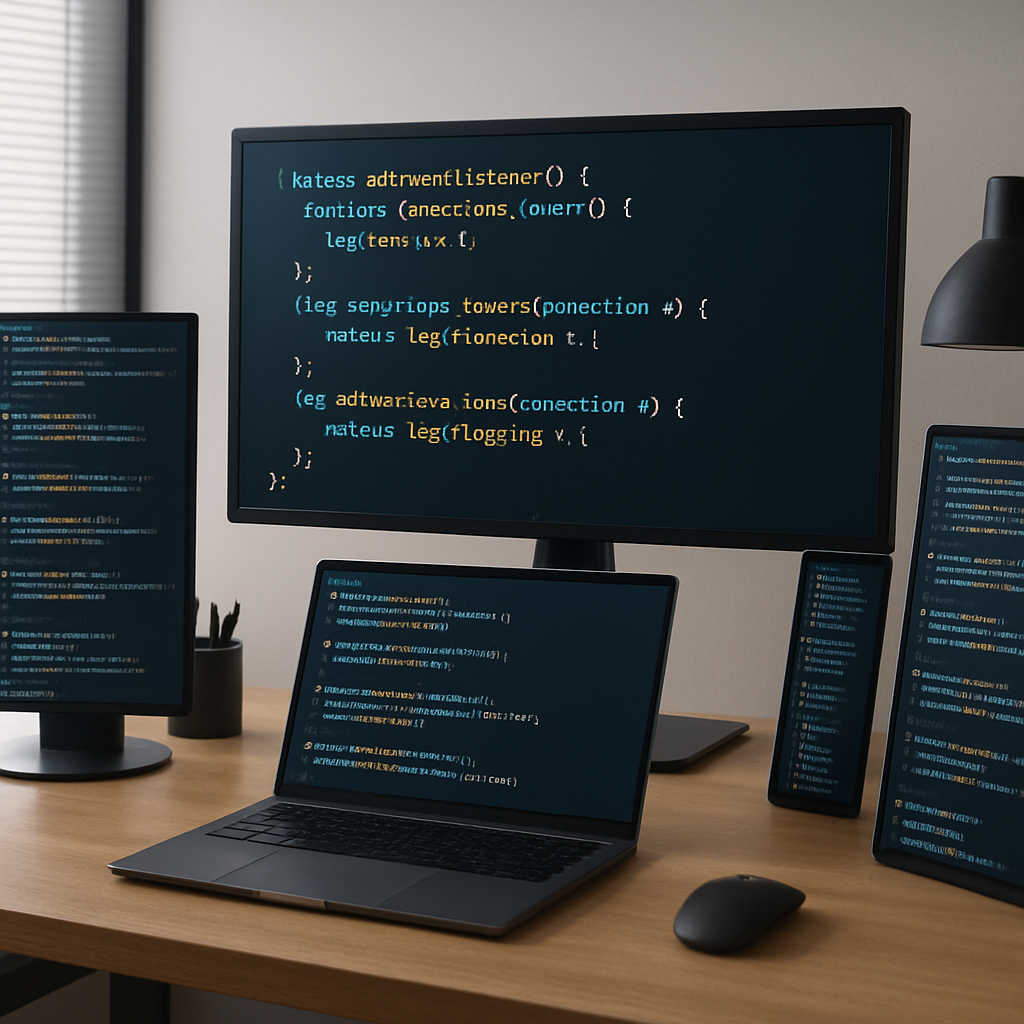
Attaching event listeners is straightforward using the addEventListener method:
- Target the element you want to listen to (e.g., a button or input field).
- Specify the event type as a string (e.g., “click”, “input”, “mouseover”).
- Provide a callback function to execute when the event occurs.
Example:
const button = document.querySelector('button');
button.addEventListener('click', function() {
  alert('Button clicked!');
});
Commonly Used Event Types
- click: Triggered when the user clicks an element.
- input: Fired when the value of an input changes.
- mouseover: When the mouse pointer enters an element.
- keydown / keyup: When a keyboard key is pressed or released.
- submit: When a form is submitted.
Handling Events Efficiently
To write maintainable and performant code, keep these best practices in mind:
- Delegate events: Instead of adding listeners to multiple child elements, attach a single listener to a parent and identify the target in the callback.
- Remove unused listeners: Use
removeEventListenerto prevent memory leaks if listeners are no longer needed. - Use named functions: When adding and removing listeners, named functions make it easier to manage handlers.
- Prevent default behavior: Use
event.preventDefault()to override default browser actions when necessary.
Advanced Tips: Event Propagation and Capturing
Event propagation defines how events trickle through the DOM:
- Capturing phase: The event travels from the window down to the target element.
- Target phase: The event reaches the target element itself.
- Bubbling phase: The event bubbles back up from the target to the window.
You can specify whether an event listener reacts during capturing or bubbling by passing a third argument to addEventListener. Understanding this helps create complex interaction flows without conflicts.
Practical Use Cases
- Form validation on user input
- Interactive UI components like modals and dropdowns
- Dynamic content loading based on user actions
- Accessibility improvements through keyboard event handling
Conclusion
Mastering event listeners in JavaScript is key to building responsive, user-friendly web applications. By understanding how to attach listeners, handle propagation, and optimize performance, developers can create richer interactive experiences. Incorporate these techniques into your projects to elevate your frontend skills and deliver engaging websites.